From reel to real.
Turn travel reels into Google Maps links.
Send a public reel or post to @holdmypin. We find the places and reply in your DMs with links you can open, check, and save.
Try it on Instagram (opens Instagram in a new tab)Free to start·No separate account for the DM flow
See how it works
More “let’s go.”

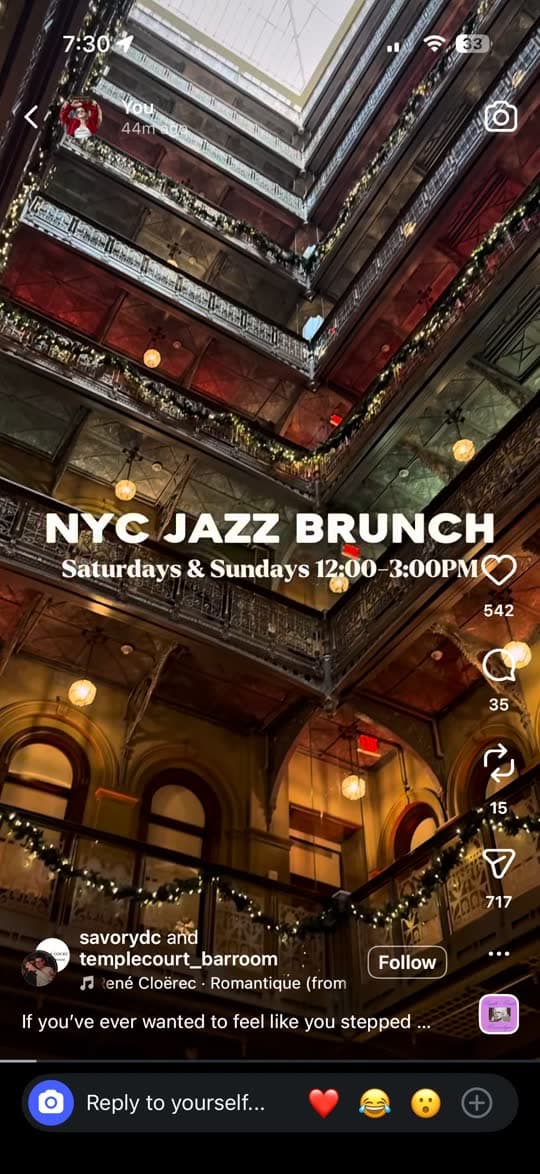
The Beekman
New York, NY · Hotel
How it works · Right inside Instagram
See it. Share it.
Go there.
Send that “we should go here” reel to @holdmypin. We’ll reply in your Instagram DMs with links to the places we find.
- 01
See a place you love
Tap the share arrowFind a public Instagram reel or post about a place you want to visit. Tap the paper-plane share arrow, just as you would to send it to a friend.
- 02
Share it with @holdmypin
Choose @holdmypin → Send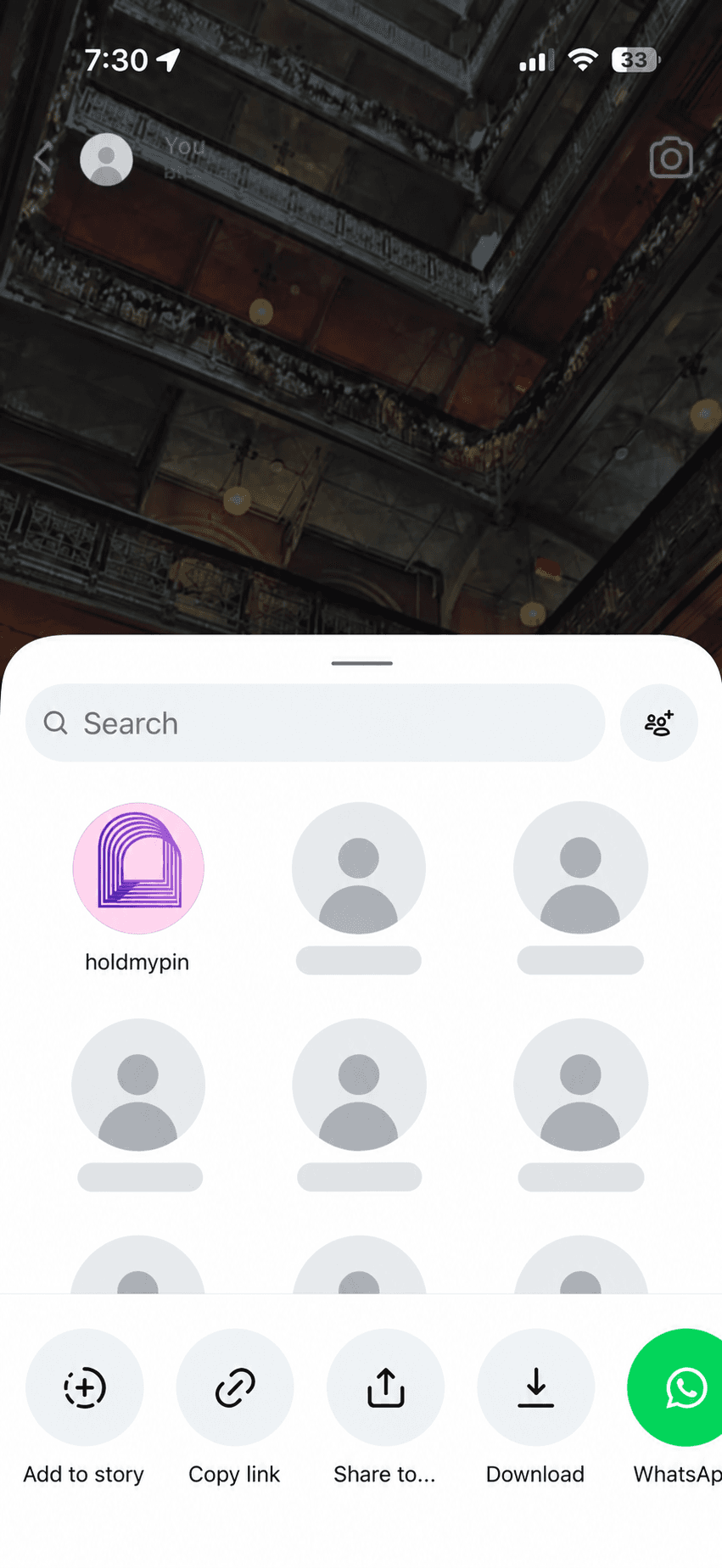
In Instagram’s share sheet, search for holdmypin. Select our account and tap Send. You can stay right there in Instagram.
- 03
Open your map links
Your places, back in your DMs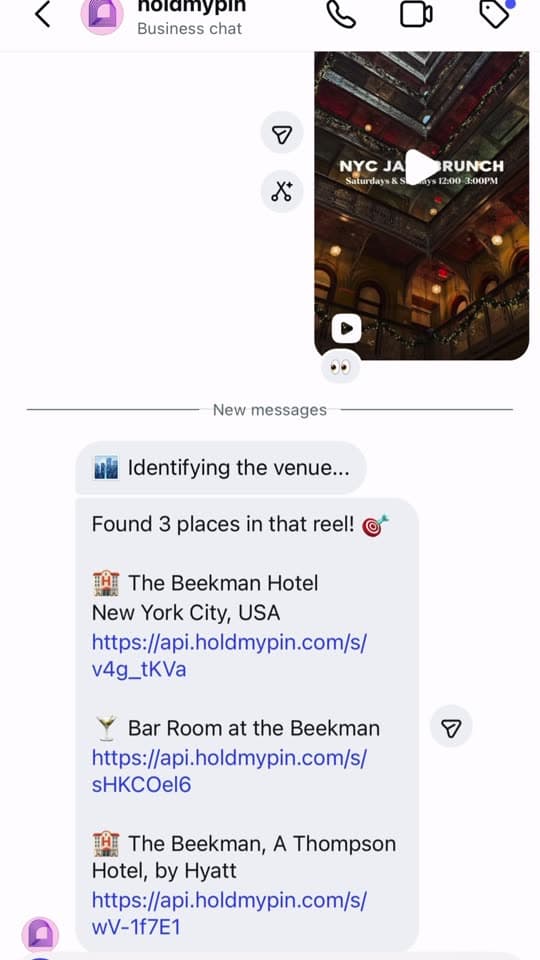
Check our reply in your Instagram DMs. Open the Google Maps links to review the places, get directions, or save them to your own lists.
One reel shared · one place found · one tap to Google Maps.
Start here: send @holdmypin any public reel.
We reply in your Instagram DMs with the places we find.
Made for your curious side
Keep the spark.
Get the place.
The best discoveries deserve more than a spot
in your saved folder.
The finding happens in your DMs
Forward a public Instagram reel or post. Hold My Pin uses AI to read the available caption, location clues, and media to identify places.
A map link you can actually use
Get Google Maps links for the places it finds. Check the address, get directions, and decide where to go next.
Turn inspiration into a shortlist
Save a place to your own Google Maps lists, or use the web dashboard to revisit your saved places. Start with one reel about a restaurant, cafe, hotel, or attraction.
AI can get places wrong. Always check the address before you go.
Give your curiosity a plan
Where could
one reel take you?
A meal around the corner. A weekend away. Start with a place that means something to you.
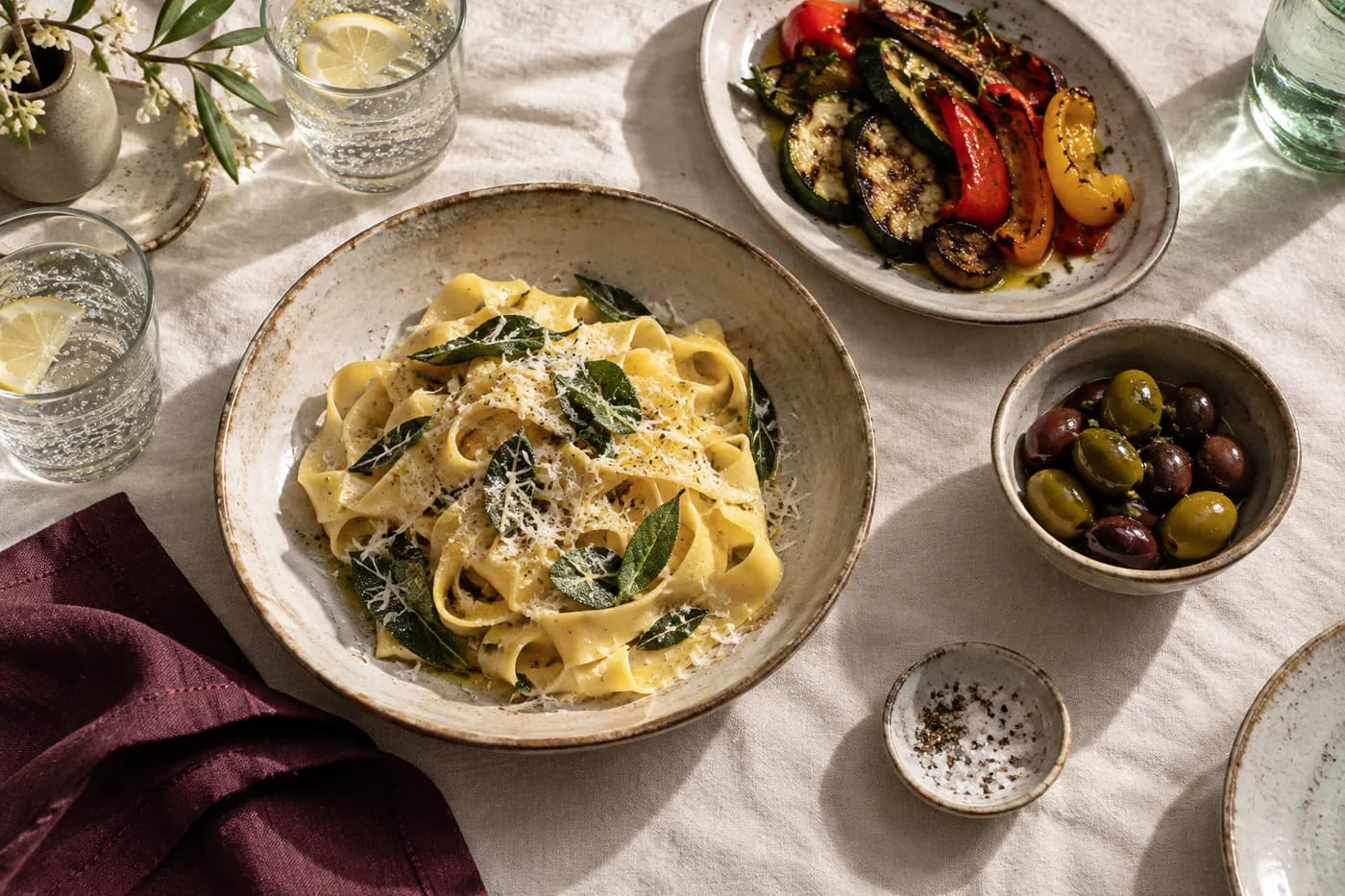
A table worth finding
Tonight’s very good idea.
Send the restaurant reel you keep coming back to. Check the returned map link, choose the right branch, and make a dinner plan.
Find your next food stop
A little further from home
The trip starts in your feed.
Turn the hotels, cafés and viewpoints in your saved posts into places you can put on a map. Build your own shortlist around where you’ll be.
Start a travel shortlist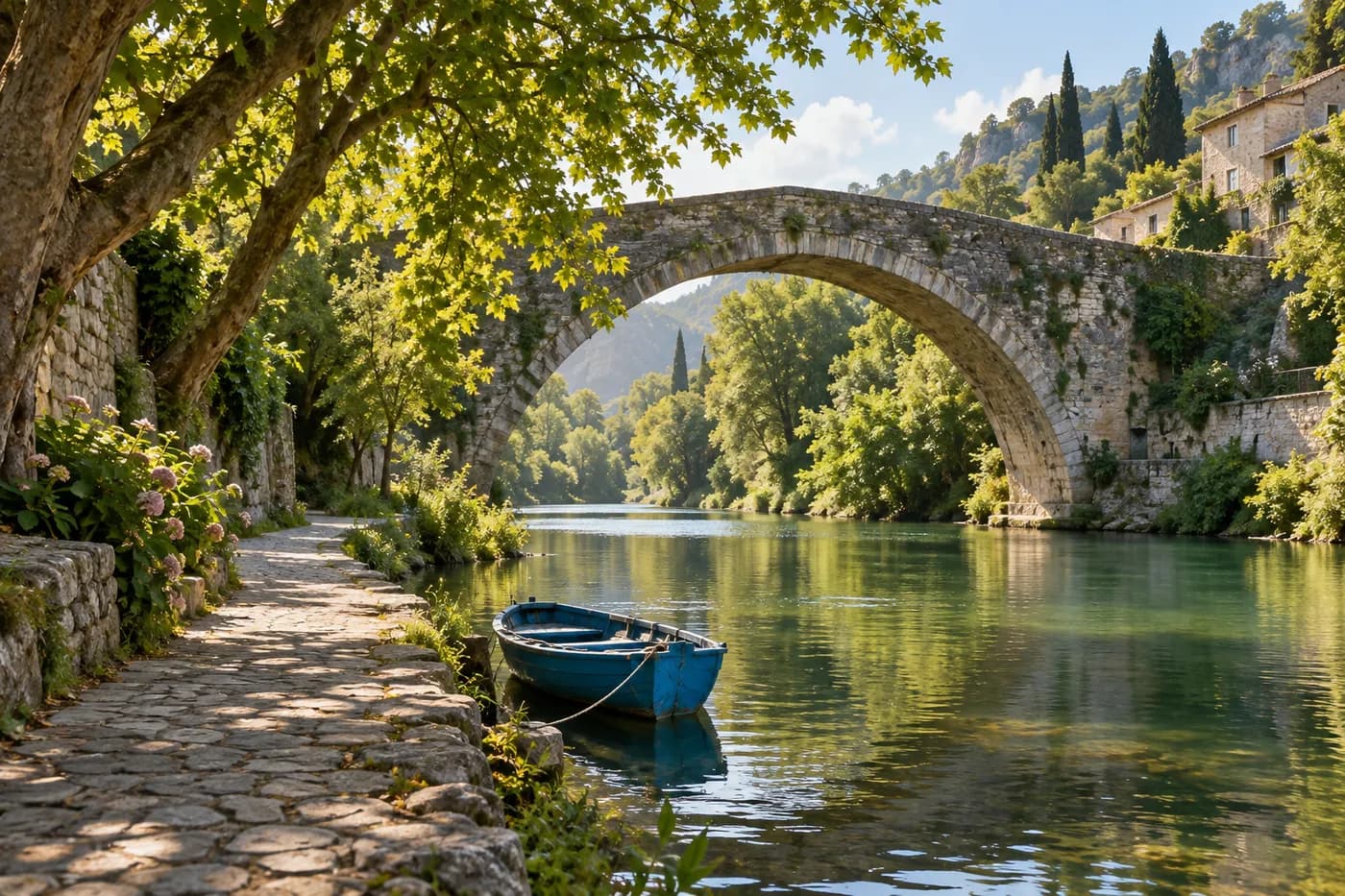
Something for Saturday
A day with somewhere to go.
Pick one nearby discovery, find its location, and check the journey. Add a coffee stop or a walk, then leave a little room to wander.
Make a weekend planAlready have a folder full of saved reels?
Make a shortlist you’ll actually useGood to know
A few things
you might
be wondering.
A little clarity before your next discovery.
What does Hold My Pin actually do?
Hold My Pin is an AI place-finding assistant on Instagram. Send a public reel or post to @holdmypin, and it identifies places from the available content and replies with Google Maps links in your DMs. You choose which places to save or visit.
How do I send my first reel?
Open @holdmypin on Instagram and tap Follow. On a reel or post, tap the share arrow, search for holdmypin, select our account, and tap Send. If the account does not appear, open our profile and send hi first. You can also copy the post’s link and paste it into our chat.
Do I need to follow or create another account?
Following helps you find @holdmypin again, but it is not a payment or registration step. You need an Instagram account to send a DM. You do not need to download another app or create a separate Hold My Pin account to try the Instagram flow. The web dashboard has its own sign-in flow.
Is Hold My Pin free?
You can get started for free. Usage limits may apply, and the assistant will tell you if you reach a limit. Supporting the project with a coffee is optional.
Does it work with every reel, private post, or story?
Start with public Instagram reels and posts about identifiable places, such as restaurants, cafes, hotels, and attractions. Private, unavailable, or expired content may not be accessible. Not every post includes enough information to identify a place. Stories are not part of the recommended flow.
What if the result is wrong or I don’t get a reply?
AI can miss or misidentify a place, so check the name and address before traveling. Response times vary with the post and processing load. Check your DM conversation with @holdmypin. If a shared post could not be opened, try copying its link and pasting it into the chat. For help, contact support@holdmypin.com.
Does it automatically save places to Google Maps?
No. Hold My Pin sends you Google Maps links. Open a link, check the place, and tap Save in Google Maps to add it to one of your lists. Hold My Pin does not write to your Google Maps account.
Questions about your data? Read our privacy policy.
 YOUR NEXT “LET’S GO” STARTS HERE
Don’t just save it.
Go live it.
Send @holdmypin the reel you saved yesterday.
We turn “where is this?” into a place you can actually go.
Small project. Big sense of adventure.
Independent and free to try. Usage limits may apply. If we help you find somewhere you love, a coffee helps keep us going.